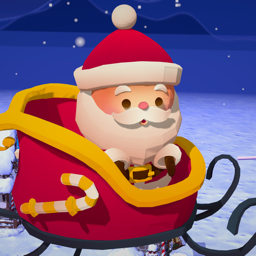
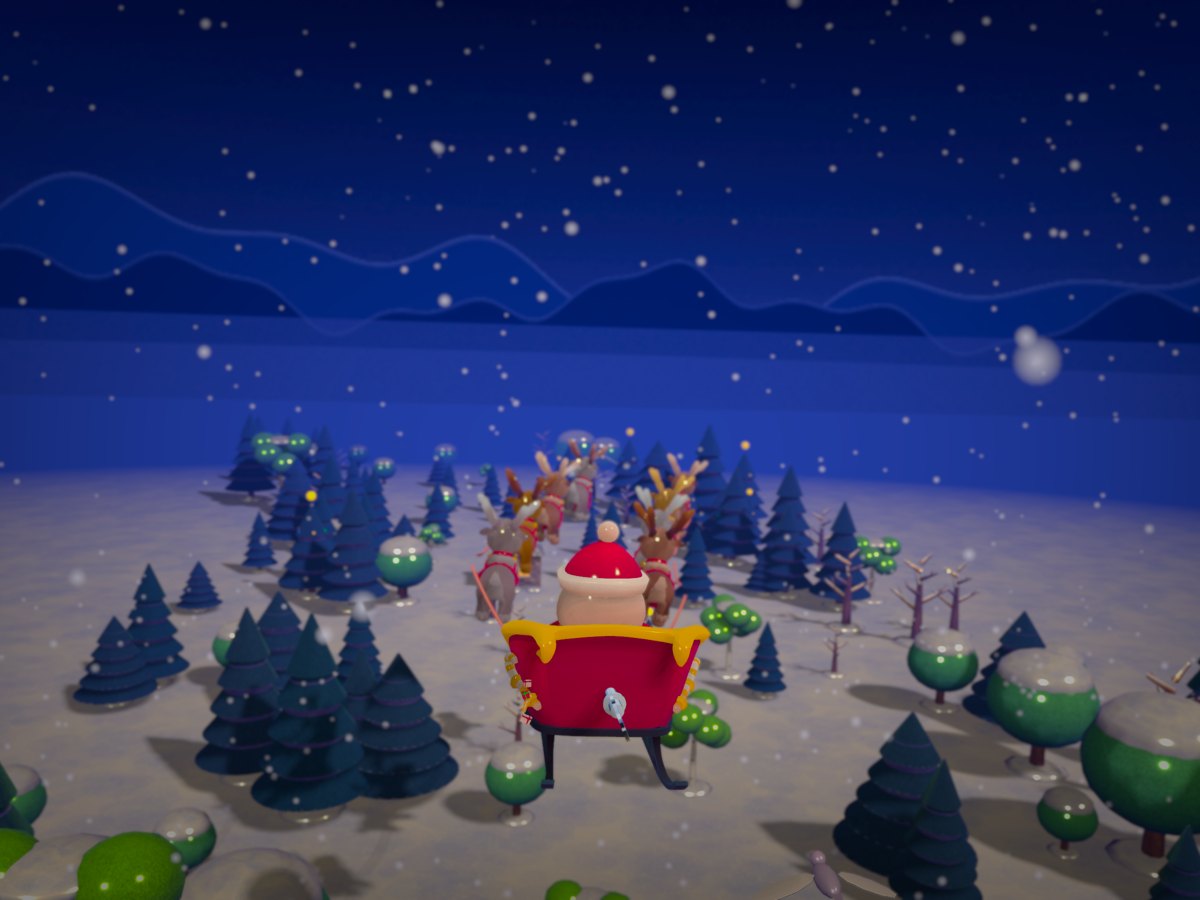
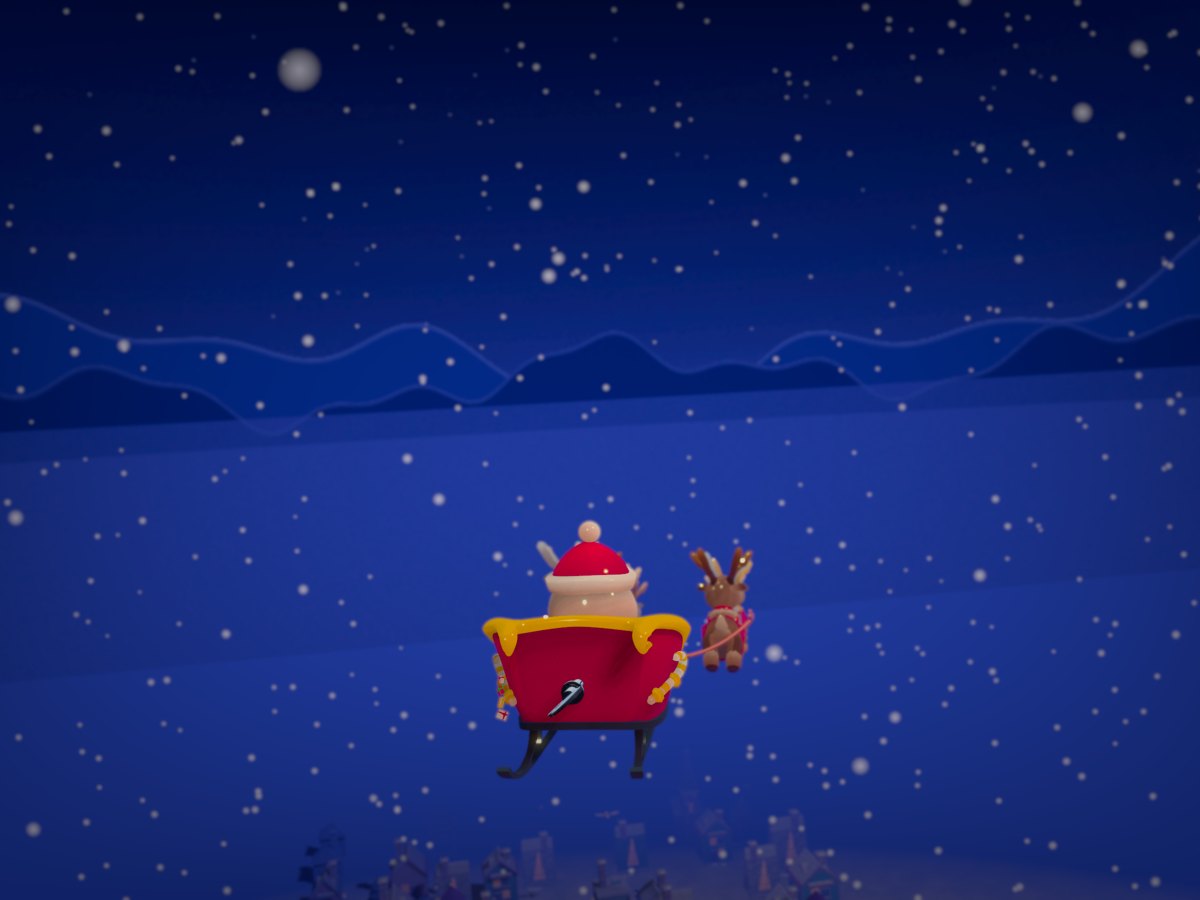
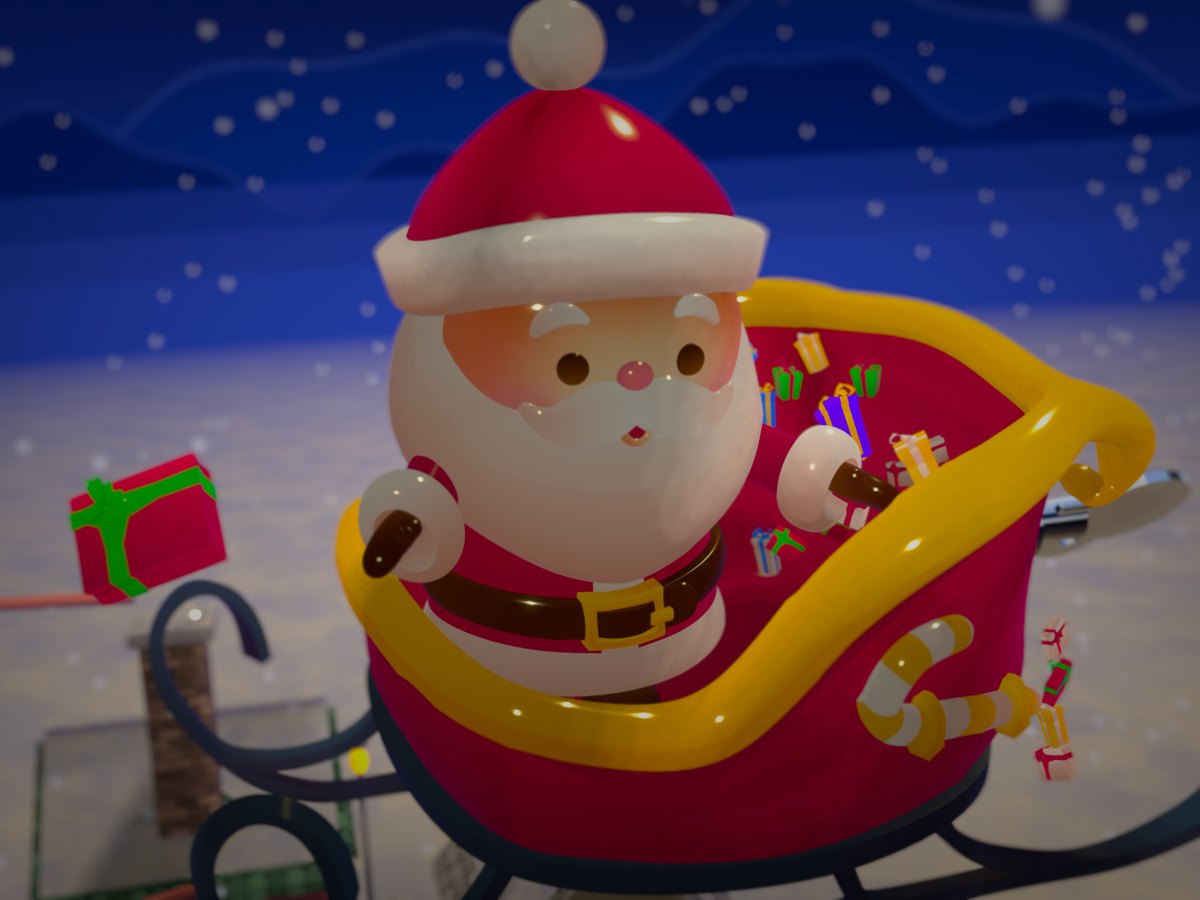
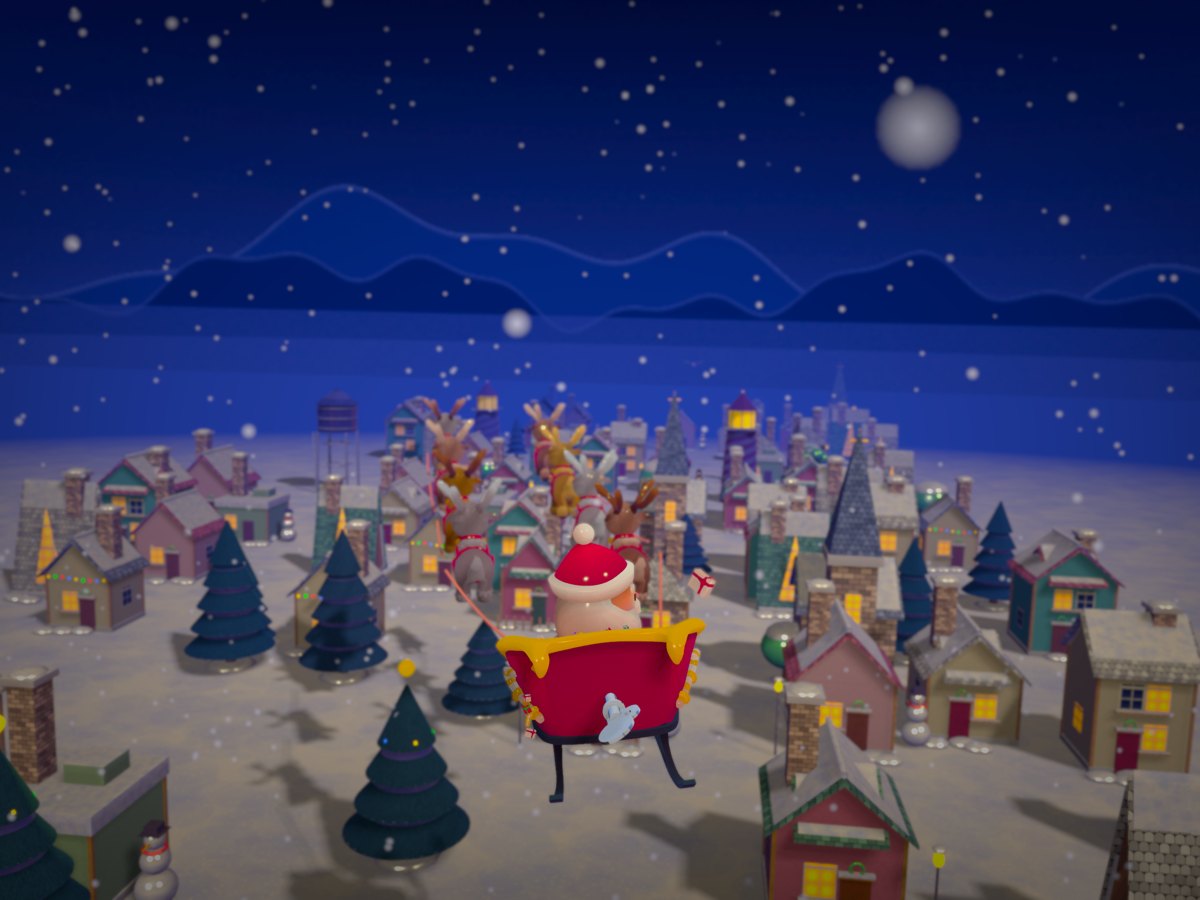
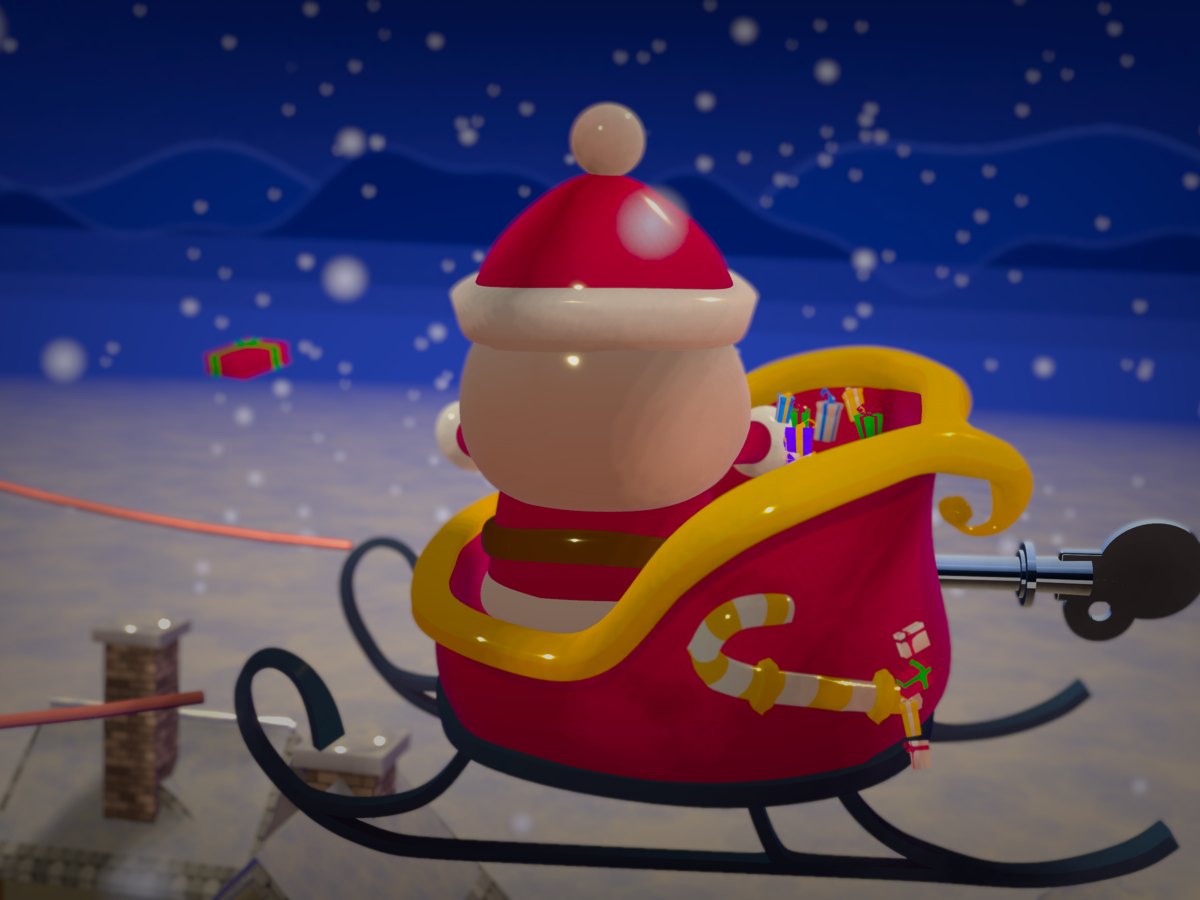
Santa's sleigh and all eight reindeer sweep over snowy villages in the night, drop gifts down the chimneys, then climb high and glide down into the next village. There are shooting stars, falling snow and a stop-motion claymation feel. Run it as an app, or let it be your screen saver.
Completely free
PixelPop Santa's Run is a holiday gift, and it is completely free. No price, no ads, no accounts and no tracking. One download, and the app can install the screen saver for you.
- Steer him yourself: in the app, use the arrow keys or click.
- About 40 sliders in the Settings window (Cmd-,): gloss, lighting, depth of field, colour, stop-motion rate, speed, camera, sky, sound and more. An Apply to Screen Saver button sends your look to the screen saver.
- Optional sound: sleigh bells ringing as he flies. It is off by default in the screen saver.
Install
- Download PixelPop-Santas-Run-1.0.dmg and open it.
- Drag PixelPop Santa's Run onto the Applications folder.
- Open the app. The app can install the screen saver for you; then choose it in System Settings under Screen Saver.
PixelPop Santa's Run 1.0 · Free · Universal (Apple silicon and Intel) · 11 MB
System requirements
macOS 12 Monterey or later. Apple silicon or Intel Mac.
Tell us what you think
Tell us what you think: Help menu in the app, sent anonymously. The PixelPop logo in the lower left of the app links to hellopixelpop.com.
Contact
Silva Design: [email protected]
PixelPop support: [email protected]